Here are 35 LED wall terms, grouped by where they come up in planning, with plain-English definitions. Use it to read a quote, talk to a vendor or brief a crew without second-guessing the jargon.

Terms are grouped into four sections: panels and picture quality, signal and control, install and power, and content and show terms. Where we have a deeper guide, the term links to it. When you're ready to rent an LED wall in NYC, start with our rental page.
Panels and picture quality
- Pixel pitch. The distance in millimeters from the center of one LED pixel to the next. P1.9 means 1.9 mm. Smaller pitch gives a sharper image at close range and costs more.
- Nit. A unit of brightness (candelas per square meter). Indoor walls often run a few hundred to a couple of thousand nits; outdoor walls need much more.
- Cabinet. A single physical panel unit that clicks into the wall. Many rental cabinets are 500 mm square.
- Module. A smaller tile that makes up part of a cabinet. If a panel develops a fault during an event, a module-level swap keeps the wall live — see our LED screen module replacement guide.
- SMD. Surface-mounted device. The common LED package, where each pixel is a small LED soldered to the face of the panel.
- COB. Chip on board. A newer build where LED chips are encapsulated together, giving a tougher, smoother surface at fine pitches.
- Refresh rate. How many times per second the whole image is redrawn, in hertz. Higher is smoother on camera.
- Scan ratio. How many lines the driver lights in turn. Lower scan ratios give more time per line and fewer camera artifacts.
- Bit depth. How many levels of brightness each color can show. More bits means smoother gradients.
- Gray scale. The number of brightness steps a pixel can show between off and full. It matters most in dark scenes.
- Viewing angle. How far off-axis you can stand before color and brightness shift.
- Calibration. Adjusting panels so brightness and color match across the whole wall.
Signal and control
- Video processor. The box that takes your source and scales and maps it onto the wall. See our processor guide.
- Scaler. Part of a processor that changes a source's resolution to fit the wall.
- Sending card. Hardware in the processor that sends the image data to the panels.
- Receiving card. A card inside each cabinet that receives the data and drives the pixels.
- Genlock. A sync signal that locks cameras and the wall to the same timing.
- Native resolution. The wall's actual pixel count, such as 1920 by 1080. Content should be built at or near it.
- Aspect ratio. The width to height proportion of the wall, such as 16:9 or 21:9.
- Pixel mapping. Telling the processor which part of the source feeds which part of the wall.
- Canvas. The full pixel area your content is built for.
- Signal chain. Every device from source to wall: laptop, switcher, processor, cabling and panels.
Install, rigging and power
- Ground stack. A wall built up from a frame on the floor. See ground stack vs. flown rigging.
- Flown wall. A wall hung from truss or rigging points above.
- Truss. Aluminum framework used to hang or support equipment.
- Rigging point. A rated attachment point in a ceiling or structure.
- Distro. A power distribution box that splits one feed into many circuits.
- Three-phase power. A higher-capacity power feed used for larger walls. See LED wall power requirements.
- Cam-lok. A heavy-duty power connector used on distro feeds.
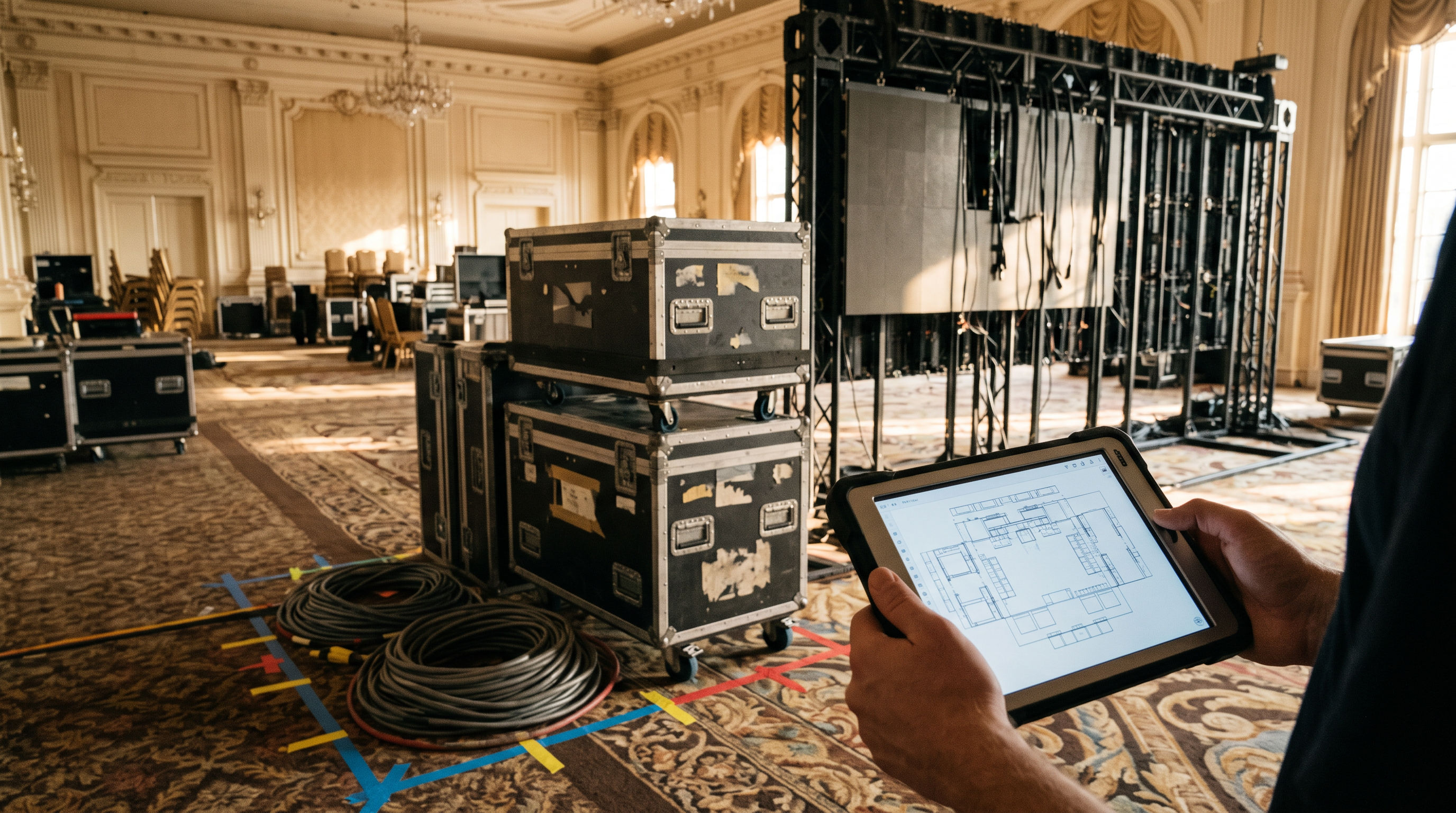
- Load-in and strike. Load-in is bringing gear into the venue and building it; strike is taking it down and out. For wall owners, the process is outlined in our guide to installing an LED screen you own.
Content and show terms
- IMAG. Image magnification: showing live camera shots of a speaker or performer on a screen.
- Safe area. The region of the screen where key text and logos stay clear of edges and gaps.
- Moiré. A wavy or rainbow interference pattern, usually seen on camera.
- Banding. Dark bars that roll through camera footage, caused by shutter and refresh mismatch.
- Content loop. A video that repeats. Loops need cuts and changes to keep attention; see content best practices.
How to use this glossary
Most quotes hinge on a handful of terms: pixel pitch, nits, cabinet count, processor and rigging type. If those five are written down clearly, the quote is easy to compare. Our guide to what's included in a quote shows the rest, and the complete LED wall rental guide ties it all together. For the specs behind the first terms, see LED wall specs explained. If you're planning a pop-up activation, brand event or retail install, our LED wall for pop-up shops page covers those setups specifically.
Key specs at a glance
| Spec | Indoor events | Outdoor events | Why it matters |
|---|---|---|---|
| Pixel pitch | P1.5–P2.6 (fine) | P2.6–P3.9 (coarser OK) | Smaller pitch = sharper at close range |
| Brightness | 800–1,500 nits | 5,000 nits (IP65) | Sunlight needs far more output than a ballroom |
| Refresh rate | 3,840 Hz min for video | 3,840 Hz min for video | Avoids scan-lines on camera |
| Enclosure | IP20 (indoor) | IP65 (weatherproof) | Outdoor walls need rain and dust rating |
| Power | Single-phase standard | Often 3-phase or generator | Large walls draw 30–50 amps or more |
| Spares | 10%+ spare modules on-site | 10%+ spare modules on-site | Module-level swaps keep the wall live during events |
Frequently asked questions
What does P2.6 mean on an LED wall?
P2.6 means a pixel pitch of 2.6 millimeters, the distance between the centers of neighboring pixels. A smaller number is a finer, sharper wall that can be viewed from closer.
What is the difference between nits and lumens?
Nits measure the brightness of a screen's surface. Lumens measure the total light output of a projector. They are not directly interchangeable, which is covered in our nits vs. lumens guide.
What is a cabinet on an LED wall?
A cabinet is one physical panel unit that clicks into the wall. Rental walls are built by joining many cabinets edge to edge.
What is the difference between SMD and COB?
SMD LEDs are mounted on the face of the panel; COB chips are encapsulated together for a more rugged, smoother surface. Both can look excellent; the right choice depends on use. Our COB vs. SMD guide goes deeper.
What does load-in mean?
Load-in is the process of getting equipment into a venue and building it before an event. Strike, or load-out, is taking it down afterward.
How do I hire an LED screen for an event in NYC?
Contact us via our contact page with the venue, event date and rough wall size. ledwall.nyc operates out of Brooklyn (63 Flushing Ave) and handles same-week installs across the five boroughs and tri-state area. See our pricing page for typical day rates, or use the LED wall calculator to estimate dimensions first.
Not sure which of these terms apply to your event? Tell us the venue, date and what you are showing through our contact page and we will translate it into a plan and a same-day quote. See the pricing page for typical packages.